✍️ My Story

Shop tools are on. You can change prices, add new prints and edit anything.

Poogu Poogu 3D Prints

Designs by kids, made for kids.

I'm Eric, I'm 8. You draw it, I print it. Draw something right here on this page and my printer turns it into a real thing you can hold.

Or I'll print you one of my favourites!

1

Draw one right here on the page, or pick one of my favourites.

2

My own prints go straight in the cart. If you drew it, I check it prints first, then email you a link to pay.

3

I print it and post it to you, wrapped up and ready to play with.

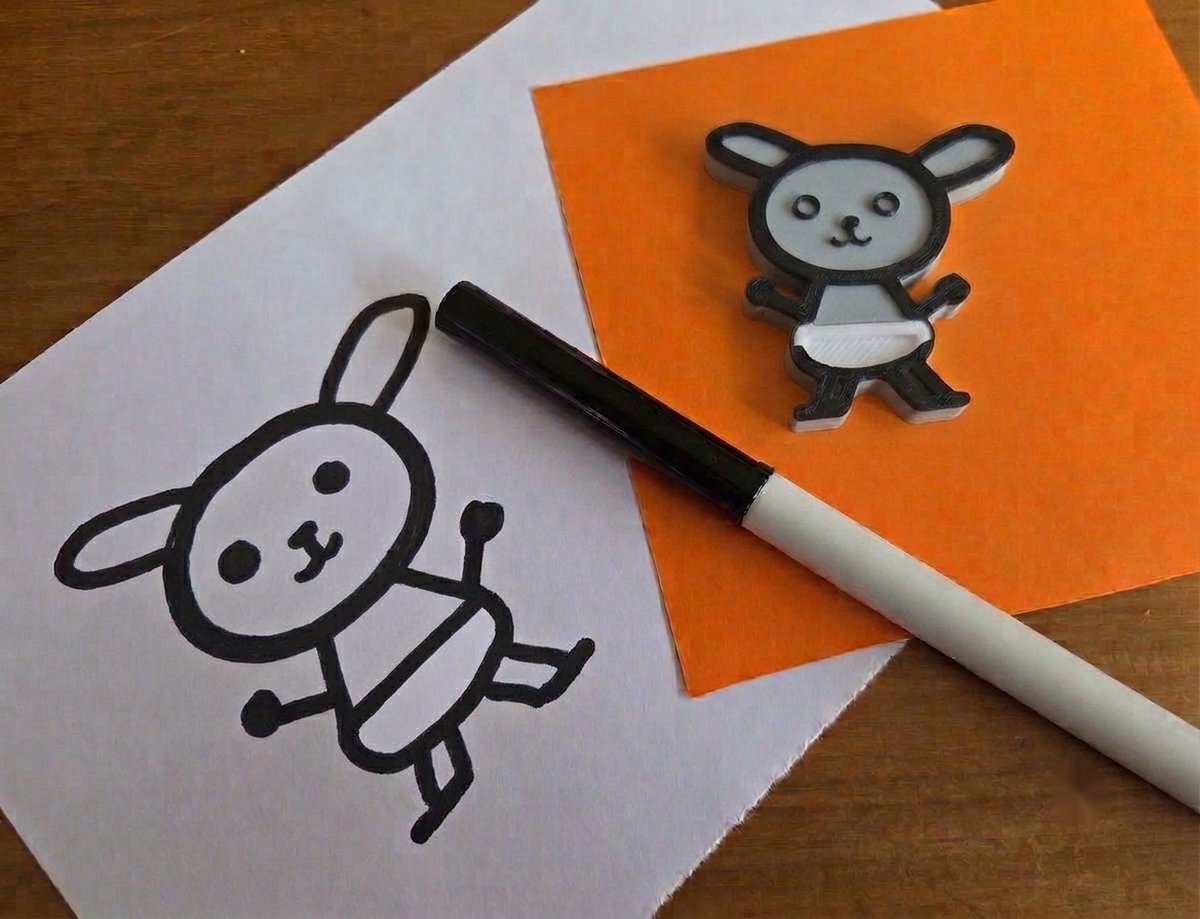
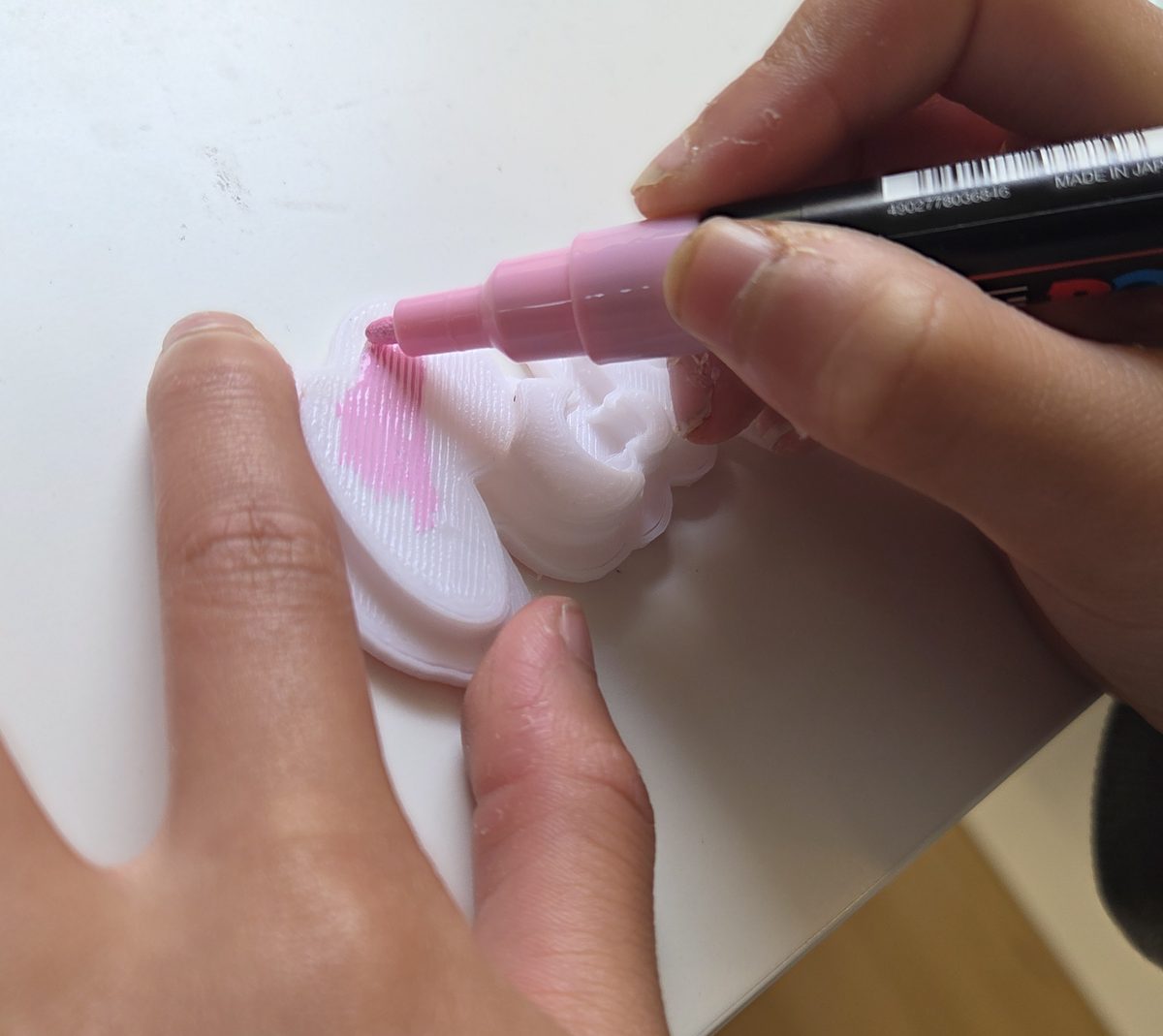
Sophie's felt-tip drawing of Booboo the bunny, beside the same bunny printed in 3D and coloured in A child colouring a freshly printed bunny with a pink paint pen
The drawing, the print, and the bit afterwards.

This is the whole idea

This is Booboo, drawn by my sister Sophie. She then designed the 3D on Poogu and I printed it.

You can colour your print in afterwards if you want. Any colour works β€” Sophie's bunny was white, my ladybug is red with a black pen.

Tell me which colour to print yours in. One colour per print.

Draw yours below and Poogu will show you what it will look like before you send it.

Your drawing, printed

Draw something. I'll make it real.

Your print

Draw a closed shape β€” join the outline all the way round so it can be filled in.

Drag to spin it right round

Your preview shows up here.

How to draw it

  • Join the outline all the way round, with no gaps, so it can be filled in.
  • Draw anywhere on the page β€” big or small, corner or middle. The size you pick is the size it prints.
  • Tap a bit, then pick a round, pointy or stepped top for it, so it isn't just a flat slab.
  • Your drawing saves itself. Close the page, do your homework, come back and it's still here. Or save it to a file to finish on another device.
  • Closed shapes inside it become separate bits. Make each one taller or flatter, or slide it to zero to cut a hole right through.
  • The fat brush is easier than the thin one, and prints better.

What it can't do

  • It gives your drawing thickness, like a biscuit. It can't make a round sculpture from a flat drawing.
  • Biggest size is 90 mm, about as wide as a credit card is tall.
  • One colour per print, so tiny details can get lost.

Then what?

  • Send it straight from this page β€” your drawing and the 3D file both go to Eric at once.
  • Eric checks it will actually print, and emails you if anything needs a tweak.
  • Then he sends you a link to pay, where you put in your address.
  • Your print arrives in the post, with the video of it being made.

The preview is worked out on your own device. Nothing is sent anywhere until you press send.

Coloured in

Your print turns up in one colour. What happens to it after that is up to you.

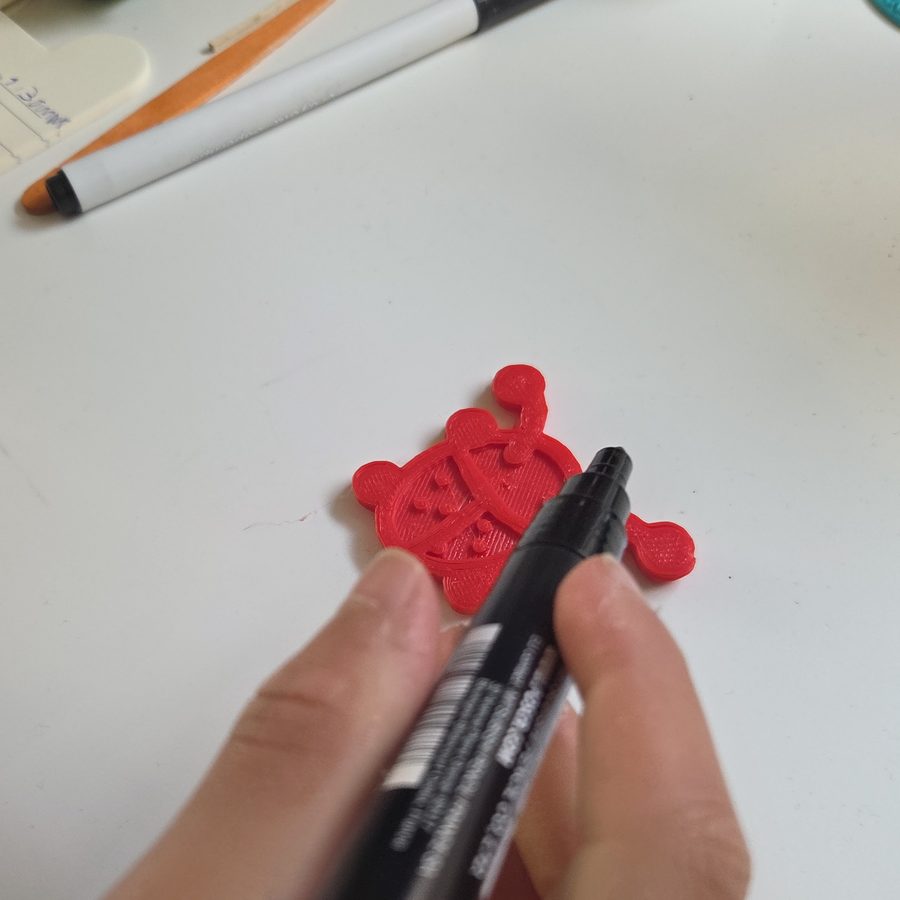
A black paint pen about to go on a red printed ladybug
My ladybug came out red.
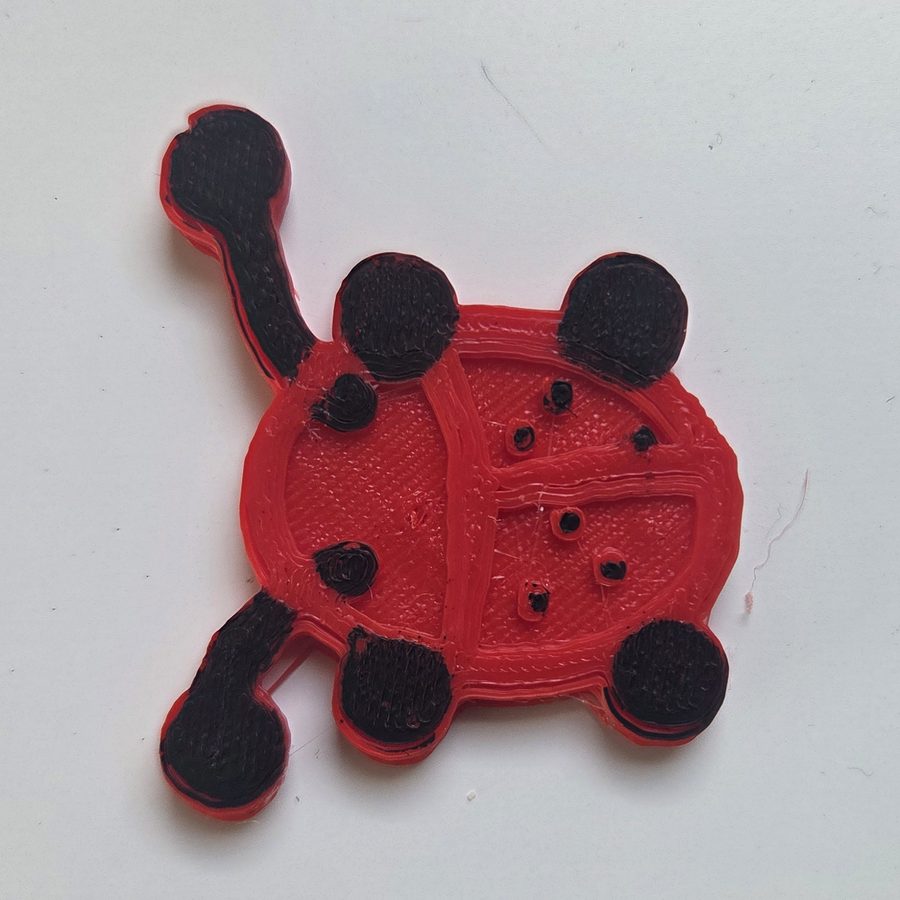
The finished red ladybug with black spots, legs and feelers painted on
Then it got its spots.
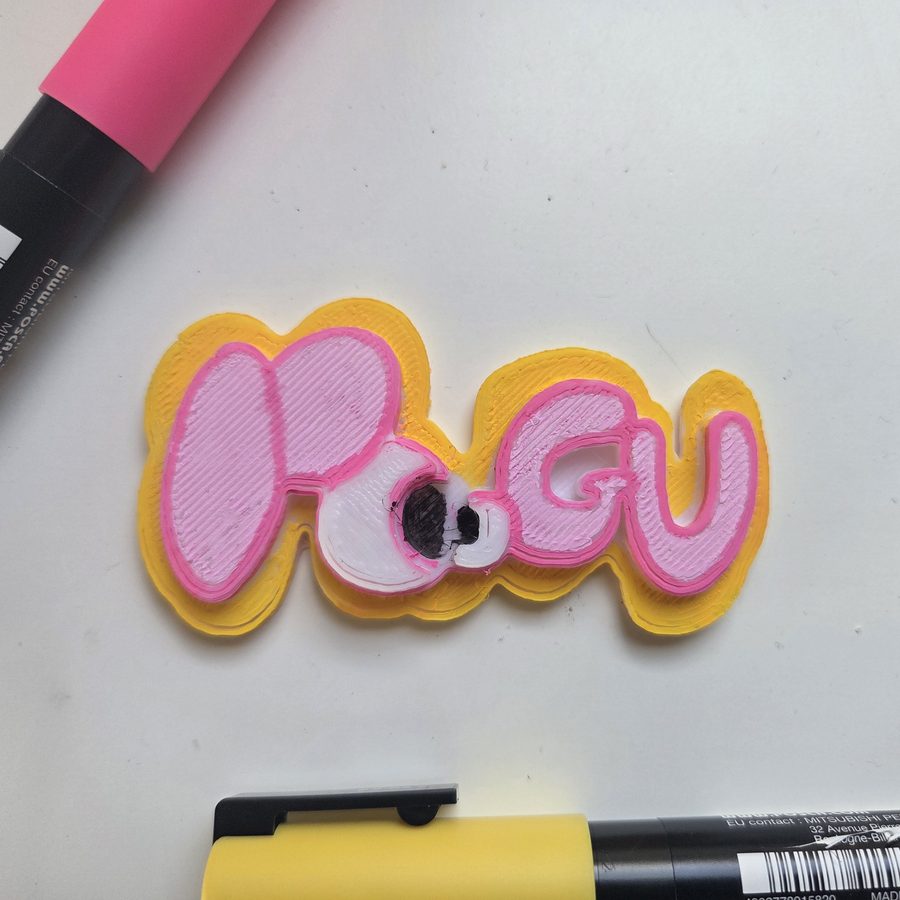
A printed Poogu logo coloured in with yellow and pink paint pens
Sophie did the Poogu sign.

Oh β€” and you get the film

Send me a drawing and I'll film the whole print for you. Hours of printing squeezed into thirty seconds, so you can watch your own thing appear one layer at a time.

It's a file to keep, not a link that stops working. Save it, send it to your friends, watch it again whenever.

🎬 Free with every drawing β€” drawings only, not shop prints

A 30 second timelapse of a print goes here.
Paste a link in Shop tools β†’ Shop settings.

Only the printer is ever on camera. Films come with drawings you send in, not with prints from the shop.

← Back to the shop

How Poogu started

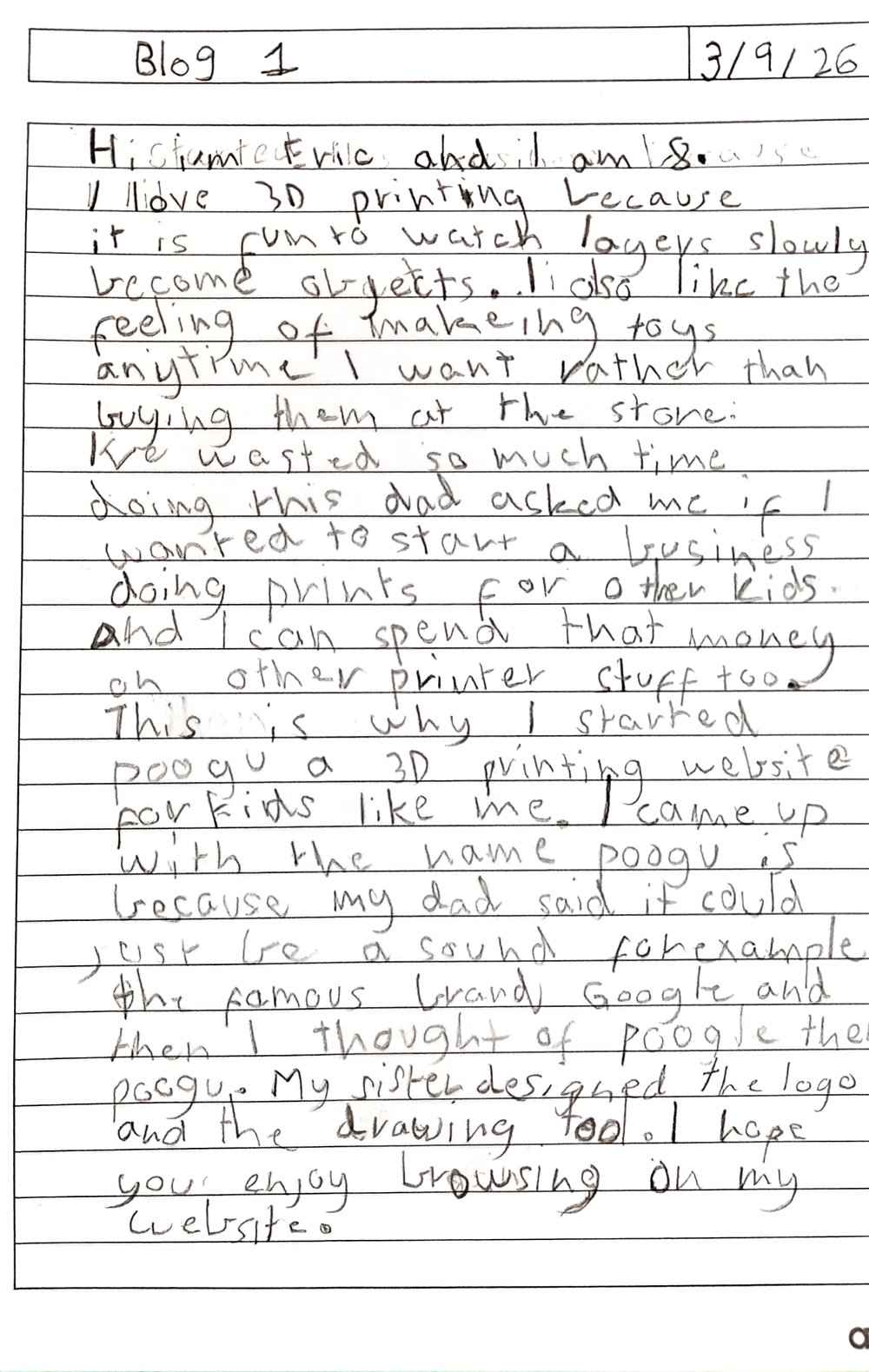
Written by Eric, 3 September 2026. This is his first blog, copied out word for word β€” the original is at the bottom.

Hi, I am Eric and I am 8.

I love 3D printing because it is fun to watch layers slowly become objects. I also like the feeling of makeing toys anytime I want rather than buying them at the store.

I've wasted so much time doing this, dad asked me if I wanted to start a business doing prints for other kids. And I can spend that money on other printer stuff too.

This is why I started Poogu, a 3D printing website for kids like me.

I came up with the name Poogu because my dad said it could just be a sound, for example the famous brand Google, and then I thought of Poogle, then Poogu.

My sister designed the logo and the drawing tool.

I hope you enjoy browsing on my website.

β€” Eric

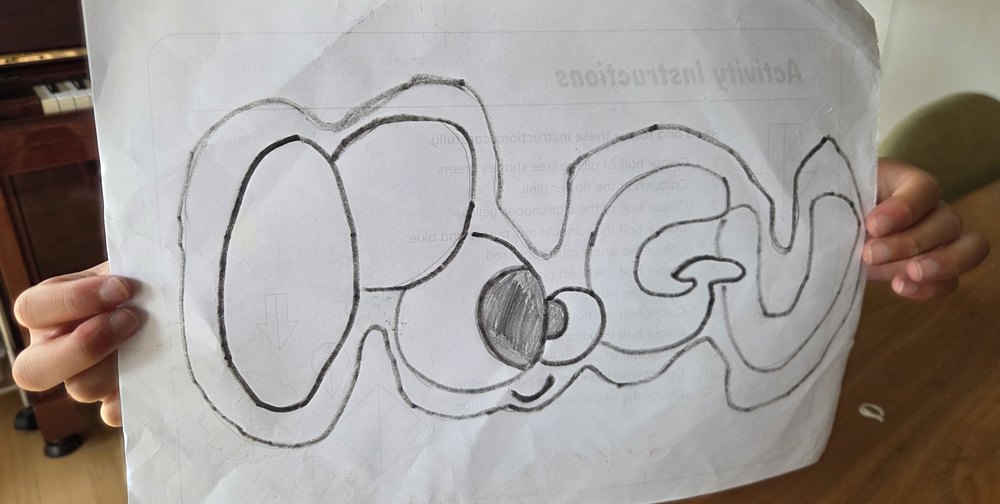
Sophie holding up her pencil drawing of the Poogu logo
Sophie's original logo drawing, the day she finished it. Everything on this site is built from that piece of paper.
Eric's handwritten blog, dated 3 September 2026
The original, in Eric's handwriting.
← Back to the shop

My printer

It's a Kidoodle MiniBox A1. It's made for kids, it's fully enclosed so you can't touch anything hot, and it's fast.

600 mm/sTop printing speed. It can print the little test boat that everyone prints in about 21 minutes.
10 Γ— 10 Γ— 9 cmThe biggest thing it can make. About the size of a mug. Bigger things get printed in pieces.
1 colourOne spool at a time. That's why I'm saving up for a printer that holds four.

All the numbers

Build size100 Γ— 100 Γ— 90 mm
Top speed600 mm/s (100 mm/s in quiet mode)
Nozzle temperatureUp to 250Β°C
Print bedFlexible magnetic PEI sheet β€” the print pops off when you bend it
ExtruderDual-gear direct drive
LevellingAutomatic, with a self-check before each print
Filament sensorYes β€” it pauses if the filament runs out
Screen4.5 inch colour touchscreen
ConnectionWi-Fi and USB, plus a phone app
FirmwareMarlin 2.0
Filament I usePLA β€” it's made from plants and doesn't smell
Also handlesPLA+, silk PLA, PETG, TPU and ABS
Printer size312 Γ— 312 Γ— 352 mm, about 2.5 kg
Made forAges 6 to 14

Why it's safe

What that means for your order

Nothing bigger than about 10 cm in any direction, and one colour per print. If you want a dragon with different coloured eyes, right now that means printing the bits separately and gluing them β€” which is why the new printer is the goal.

Back to the shop

Nice drawing!

Seems like you're doing something awesome! Why not try my sister Sophie's advanced drawing interface?

Bigger drawing sheet, tools down the side, and you can spin your print around while you draw. Your drawing comes with you.

Start again?

This rubs out your whole drawing and you can't get it back.

Add a print

Just the number, no dollar sign.

Separate them with commas.

Leave blank for Eric's favourites. Fill it in and this moves to the "Designed by kids" tab. First names only, and only with a grown-up's say-so.

Adds a "Buy it now" button that goes straight to Stripe's checkout.

Paste a YouTube, Vimeo or .mp4 link and a "Watch it print" button appears on this print.

🧩

Uploads get shrunk and stored inside the page. A link keeps the file smaller. Cut-out photos with a see-through background keep it, and look best on "Show the whole thing".

Shop settings

Stops friends changing prices. It is not a real password.

Use a grown-up's email, never a child's. An address at your own domain, like hello@poogu3d.com, keeps your surname off the page.

A 30 second timelapse. Leave blank and a placeholder shows instead.

Shown in the footer so people know who they're buying from. You do not need to put your full name here β€” a surname next to a child's first name identifies them. Stripe holds your legal name privately and doesn't need it on the page.

Added once to every order, anywhere in Australia. Set 0 for free postage.

One Stripe link set to "customer chooses what to pay". The safety net: it covers any total, but the buyer types the amount.

One line per cart total: the dollar amount, a space, then a fixed-price Stripe link for exactly that amount. When a total matches, the buyer types nothing. Anything not listed falls back to the link above.

Shown at checkout. Use a grown-up's account, never a child's.

shop.json is the easy way: save it into the same folder as index.html and upload both. Your catalogue then survives any new version of the page. "Copy data for the website" is the older way, pasting into the SHOP DATA block by hand.

Shop tools

The code starts as 1234. You can change it in shop settings.

Watch it print

Open in a new tab

Your order